
Online catalog
Cable catalog: one page per cable, from your data.
The cable catalog is your public product catalog on the web: every published cable has its own page, and nobody builds any of them by hand.
Who it's forFor marketing, sales, and product management at a cable manufacturer.
In short
- One page per cable and family
- Your logo, your color, two languages
- An inquiry form instead of a shopping cart
- Analytics without cookies

- Rated voltage
- Temperature range
- Bend radius
What is the cable catalog?
What it is
The cable catalog is a public website that gives every published cable its own page.
Nobody builds the pages by hand. They are generated from the data and images already in the portal. Only what you publish is public.
Three pages, connected by arrows: the home page with search and families, a family's page with its cables, and the page of a single cable.
- Home pageSearch and families
- FamilyIts cables at a glance
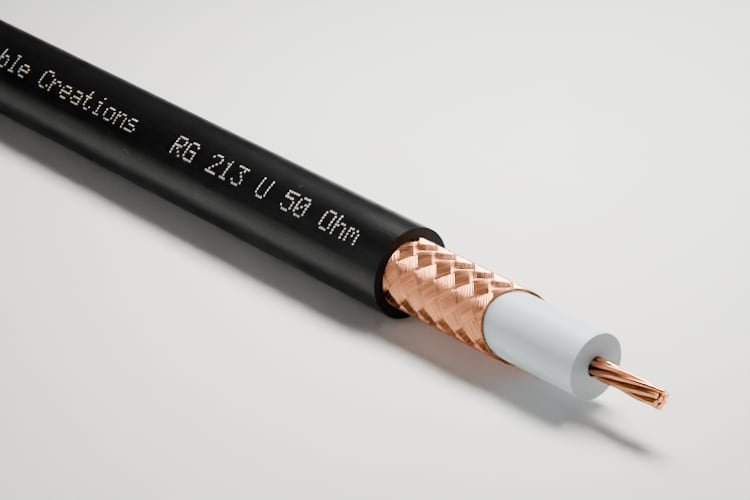
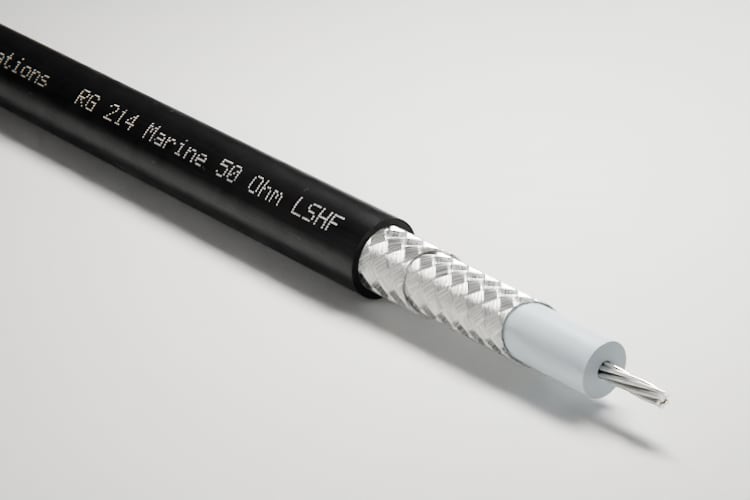
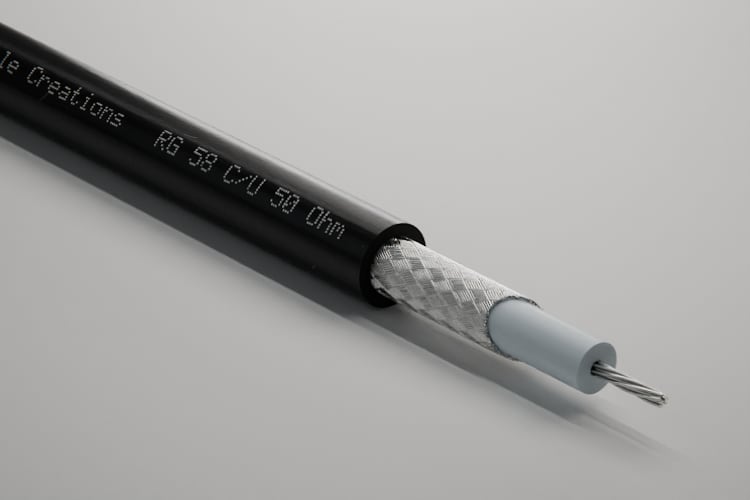
- Cable pageEverything about one cable


Key terms
- Catalog
- Your public website with all your published cables. Anyone can open it without an account.
- Family
- A group of related cables, such as all coaxial cables. The catalog groups the cables by family.
- Cable page
- A cable's own page, with its own address. It shows everything available for that cable.
- Publish
- The step that puts a cable in the catalog. Unpublishing takes it out again.
- Inquiry
- A visitor's message about a cable. It appears in the portal under “Prospects.”
How does a cable get into the catalog?
How it works
You set up the catalog once and then publish each cable with one click.
A checklist in the portal shows what is still missing before launch. Until then, the catalog is not reachable at any address.
The process in six steps along one line: you add your brand and legal links and publish a cable. The portal builds the pages. A visitor searches and sends an inquiry, and the portal delivers it.
YouThe portalA visitor
YouAdd brand and legal links
YouPublish a cable
The portalBuild the pages
A visitorSearch and view
A visitorSend an inquiry
The portalDeliver the inquiry
Step by step
- Step 1 of 6: You
Add brand and legal links
You add your logo, your brand color, and the links to your legal notice and privacy policy. Without the two links, the catalog does not go online.
- Step 2 of 6: You
Publish a cable
A cable needs a 3D model and an approved image. Then you publish it with one click.
- Step 3 of 6: The portal
Build the pages
The portal builds the home page, family pages, and cable pages from the data. Every page is listed in the sitemap for search engines.
- Step 4 of 6: A visitor
Search and view
A visitor searches by name or designation and opens the cable page. They don't need an account.
- Step 5 of 6: A visitor
Send an inquiry
There is a form below the data. The visitor writes to you about that exact cable.
- Step 6 of 6: The portal
Deliver the inquiry
The inquiry appears in the portal under “Prospects.” Your contact address or your team gets an email about it.
Who else sees what
Of the three ways to share your cables, the catalog is the public one. A showcase or a kit shows a selection only to people who have the link.
Catalog, showcase, kit: who sees what?
- Catalog: the published cables, public for everyone.
- Showcase: a selection of cables as a link for one customer.
- Kit: images and files for the agency.
What does a visitor see on a cable page?
What is on a cable page
A cable page shows everything about one cable: images, data, datasheet, drawing, 3D view, and an inquiry form.
The page leaves out whatever a cable does not have. It is available in German and in English, each with its own address.


- Rated voltage
- Temperature range
- Bend radius
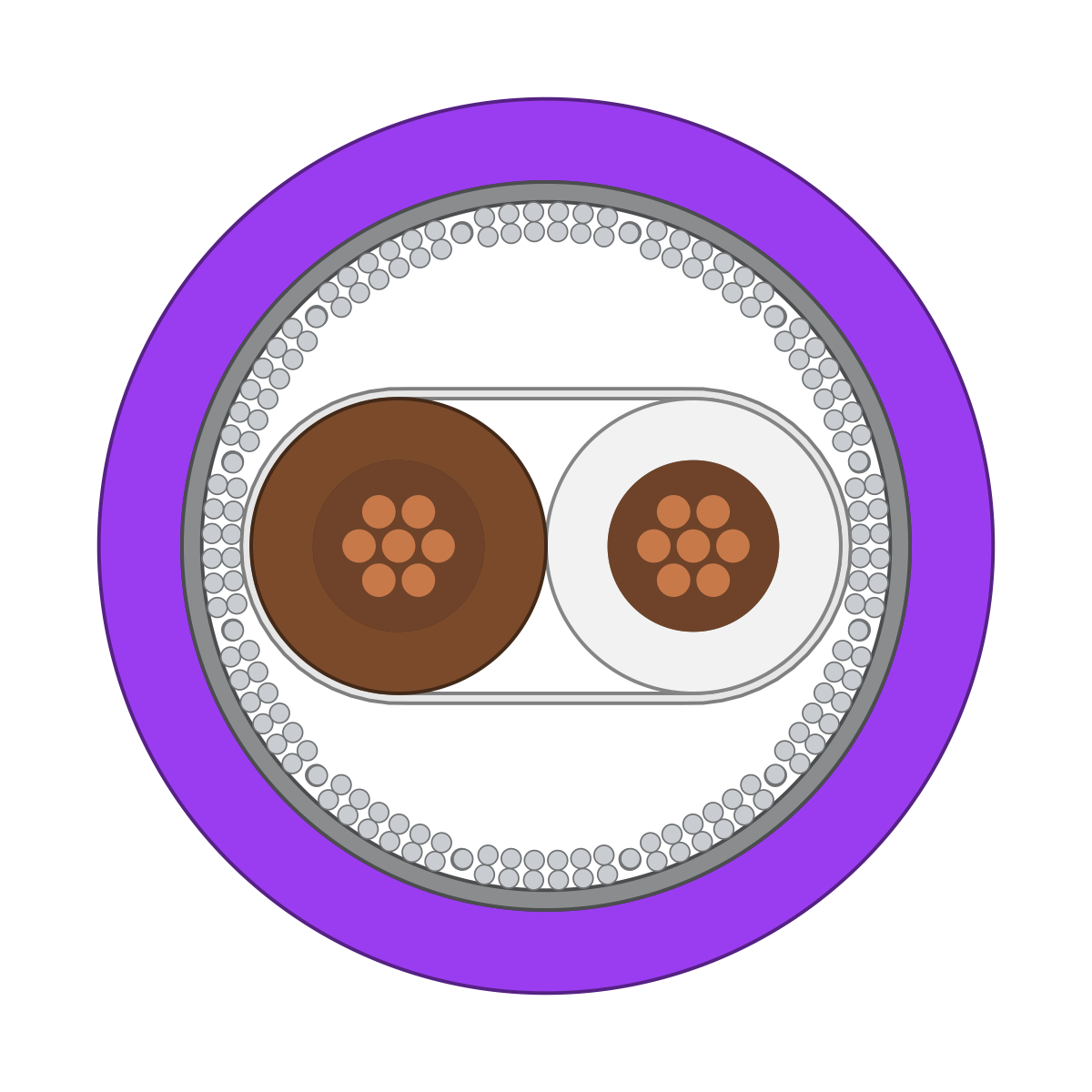
What the numbers show
Your branding
Your logo and your brand color, with the switch between German and English beside them.
Images
The main image and every other image you have approved.
Technical data and datasheet
The cable's values and the link to the datasheet as a PDF.
Cross-section drawing and 3D view
The drawing with its legend, ready to download, and the cable to rotate.
Table of sizes
All orderable sizes of the cable with their values.
Inquiry form
Name, email, company, and message. The visitor can name the size they are interested in.
Footer
Legal notice, privacy policy, and the note on what the catalog measures.
At what address is the catalog available?
The three places compared
The catalog runs right away at a platform address; your own domain and embedding can be added when you need them.
The three places are not mutually exclusive. The catalog stays the same, and you maintain the data only once. The page “Catalog on your website” explains how to set up embedding and your own domain.
Three stops on a line from the platform to you: a platform address with your name, your own domain in the address bar, and your existing website with the catalog embedded as a section.
The platform'sYours
Platform address
What you set upNothing
Your own domain
What you set upTwo DNS records with your domain provider
On your website
What you set upA code snippet on your page
| Aspect | Platform address | Your own domain | On your website |
|---|---|---|---|
| Where it is | At a platform address with your name | At your own domain | On a page of your existing website |
| What you set up | Nothing | Two DNS records with your domain provider | A code snippet on your page |
| Depends on the plan | No | Yes | No |
What do I gain, and where are the limits?
Advantages and limits
The catalog stays current with your data, but it is not a shop or a freely designed web project.
Advantages
Pages without a web project
A cable page is generated when you publish. Nobody has to create it.
As current as your data
A change to a cable shows up in the catalog within a few minutes.
Built for search engines
Every cable page has its own address, structured data, and a preview image.
Inquiries about the right cable
Each inquiry names the cable whose page it came from.
Unpublishing works instantly
An unpublished cable disappears from the catalog. Your team does this itself.
You see what's in demand
The catalog counts views, searches, downloads, and inquiries, without cookies.
Limits
No shop
The catalog lists no prices and no stock levels. It has no cart.
Search without filters
Search finds names and designations. You cannot filter by technical values or compare cables.
A fixed page structure
The logo and one brand color are yours. The portal sets the layout and font of the pages.
No customer area
The catalog has no sign-in. Anyone with the address sees everything published.
No videos on the cable page
The cable page shows images, the drawing, and the 3D view, but no videos.
No sync with PIM or ERP
You import sizes as a CSV file. There is no ongoing sync with other systems.
Two languages
German and English. Where a translation is missing, the text appears in your default language.
Not the right tool if:
- Your customers need to see prices and order online.
- Visitors need to filter by technical values or compare cables.
- The data is confidential; the catalog is public.
More on this What the analytics show your sales team →
How is this different from a PDF catalog or pages in my own CMS?
Compared with today
A PDF goes out of date and a CMS needs upkeep; the catalog is generated from data you already have.
Your website stays as it is. The catalog adds the pages it usually lacks: one per cable.
A PDF catalog as a stack of editions; a new cable waits for the next edition. By contrast, a table of your data that produces the cable pages.
Until now
PDF catalog
A new cableNot until the next edition
From the data
Catalog from the portal
A new cableThe page appears when you publish
| Aspect | PDF catalog | Pages in your own CMS | Catalog from the portal |
|---|---|---|---|
| A new cable | Not until the next edition | Someone creates the page by hand | The page appears when you publish |
| A change | The old edition stays in circulation | Update every place by hand | Change the cable once; the page updates |
| Getting found | A cable has no address of its own | Only as well as the pages are kept up | Every cable has its own address in the sitemap |
| Follow-up questions | Phone or email, with no link to the cable | Usually a general contact form | A form on the cable page |
| Drawing and 3D view | Only as an image | Only with custom development | On every cable page |
| Design | Up to you | Up to you | Logo and brand color; fixed layout |
What do I need, and what does it cost?
What you need and what it costs
You need cables with a model and an image in the portal and two legal links; the catalog itself costs no credits.
What you need
Cables with model and image
You can publish a cable once it has a 3D model and an approved image.
Legal notice and privacy policy
The catalog goes online as soon as both links are on file and one cable is published.
Logo and brand color
Both are optional. Without a logo, your name appears in the page header.
Someone who publishes
Owners, admins, and members of your team can publish. Guests cannot.
What it costs
The catalog costs no credits, and nothing per visitor either. You pay credits for the images in it. Your plan determines how many cables you can publish and whether the catalog runs on your own domain.
What else do people ask?
Frequently asked questions
Short answers to the questions people still have about the catalog.
- Do we have to create the cable pages ourselves?
- No. A cable page is generated from the cable's data and images as soon as you publish it.
- Can people order from the catalog?
- No. The catalog has an inquiry form, but no shopping cart and no prices.
- Can the catalog appear on our own website?
- Yes, embedded with a code snippet. Depending on your plan, it can also run on your own domain.
- Who sees the cables we don't publish?
- Only your team in the portal. A cable appears in the catalog only after someone on your team publishes it.
- Where do inquiries from the catalog go?
- To the portal, under “Prospects.” An email also goes to your contact address or, if none is on file, to your team.
- Can visitors filter the catalog by technical values?
- No. Search finds names and designations and tolerates missing umlauts; there are no filters and no cable comparison.