
Real portal. Made-up data.
The demo is the customer portal as your team would see it – filled with nine cables of a made-up manufacturer. You need no account.
What you see inside
- Nine cables with images, cross-section drawing and data
- Every cable's 3D model, to turn
- The image order with prices in euros
- The public catalog with datasheets
Each one leads straight to its page in the demo.


Turn it. Down to the strands.
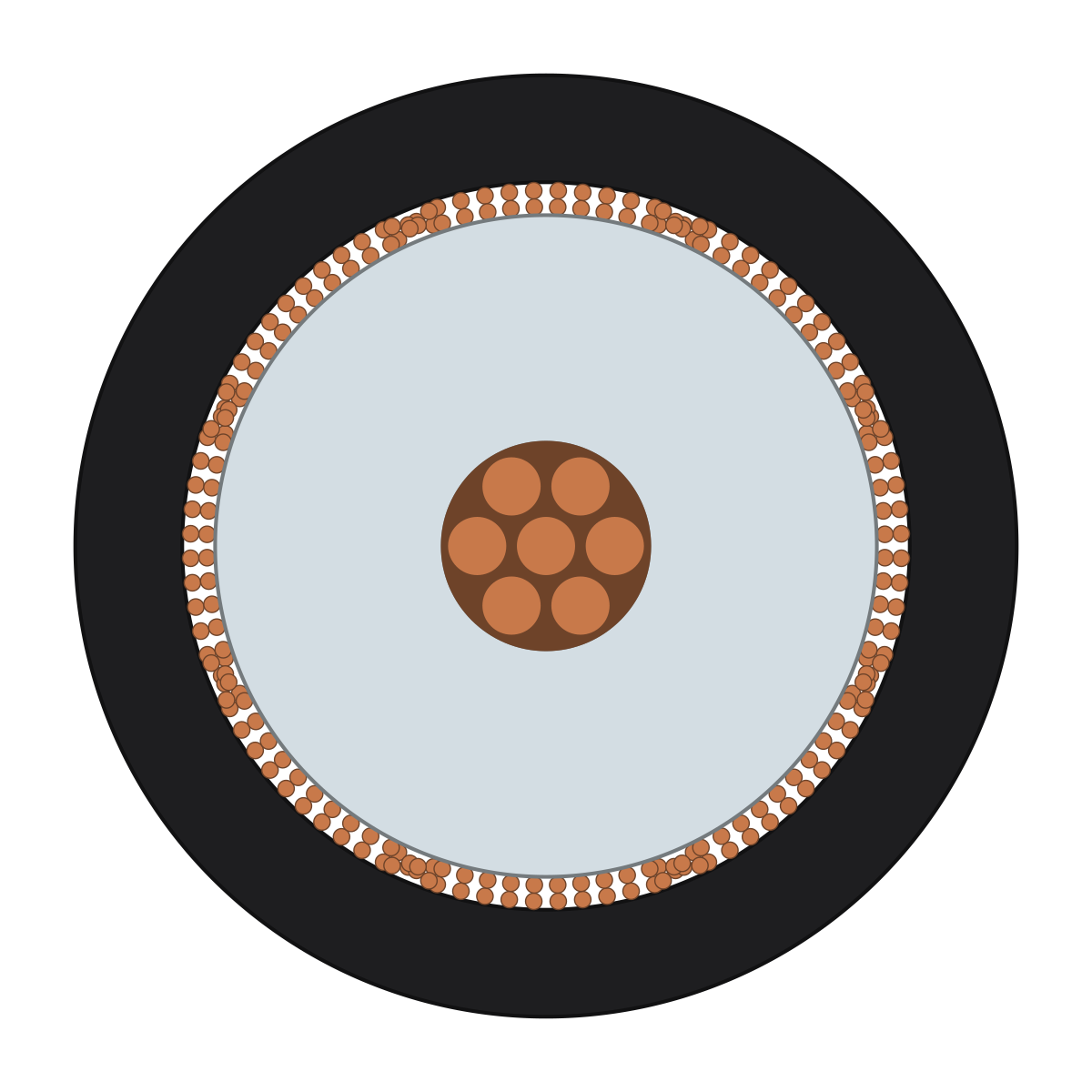
Every cable has its page in the demo: side view, cutout, cross-section drawing, technical data – and the 3D model, built from the same construction data as the images.
Loads the model (0.1 MB)
For you
Each of your cables would have exactly this page.
Pick an image. See the price.
In the order form you choose motif, look and format; what the order costs is right beside it. In the demo the way ends before sending – nothing can be changed there.
How an image is ordered
- Pick the view: perspective, side view, or cut open.
- Pick the look: surface and light.
- The price is fixed up front and goes on the monthly invoice.
- Shortly after, the image is in the media library.
For you
You see the whole way to an image without setting anything off.
Before you open the demo.
- Do I need an account?
- No. The demo opens without an account and without signing in.
- Can I change anything in the demo?
- No. The demo is there to look at: the way to an order ends before it is sent, and nothing can be changed.
- Is that real data?
- The portal is the real customer portal. The nine cables belong to a made-up manufacturer; the company, its staff and all inquiries are made up.
See for yourself. No account, no sign-in.
What a manufacturer publishes in the portal appears in the public catalog – that one is open in the demo, too.
The company Beispielkabel GmbH, its staff and all inquiries in the demo are made up.